A calculator that wears a new look every swipe.
Swipe the display and Calsee generates a fresh theme. The sum you were typing stays exactly where it was, and the answer is exact.
Coming soon: Google Play and App Store
Ten of millions
Scroll the phones sideways to see more themes.Swipe the phones, or press ] and [ like on Calsee for desktop. The page changes with them.
Swipe the display. Get a new theme.
Each swipe generates a theme on your phone in one of six styles: palette, key shape, press motion, type, background and sound, all from one seed. There are millions of combinations, and a hand-made hero turns up every few swipes. Swipe back and the last theme returns exactly.
Every theme is checked for contrast before you see it, so key labels always read clearly. Want even more? Turn on Accessible themes for 7:1 contrast. Found one you love? Lock theme keeps it.
-
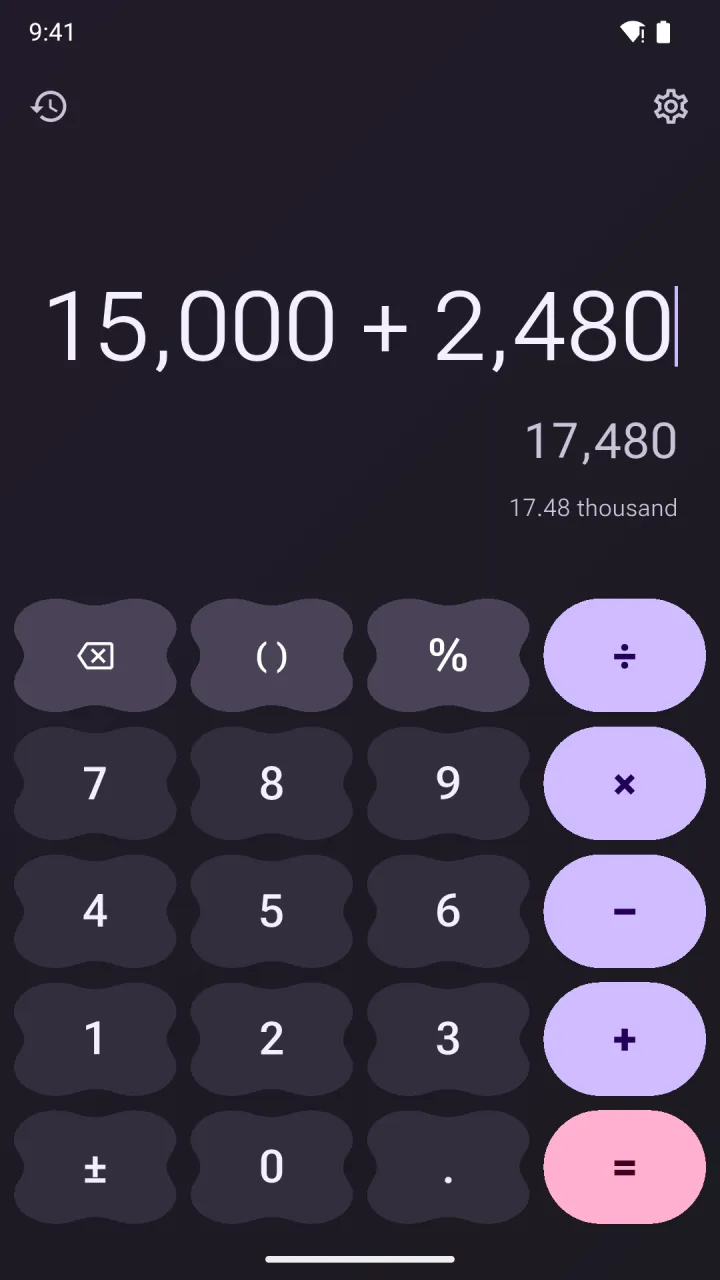
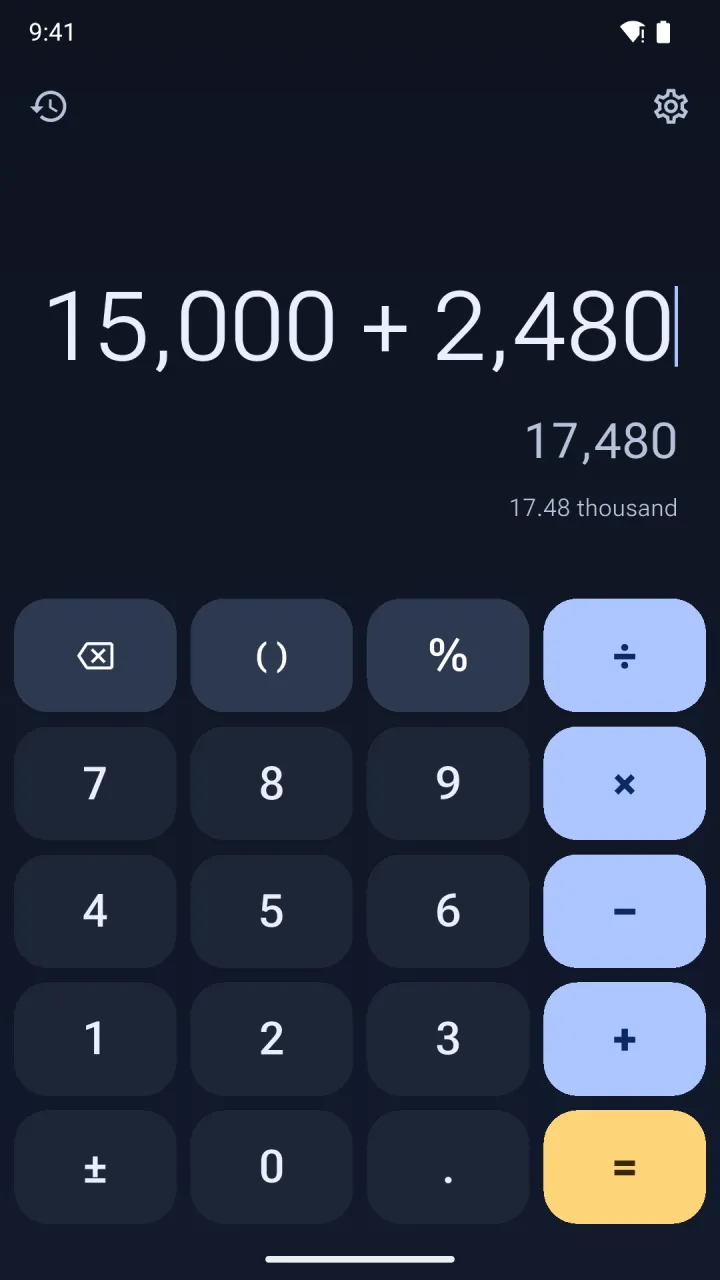
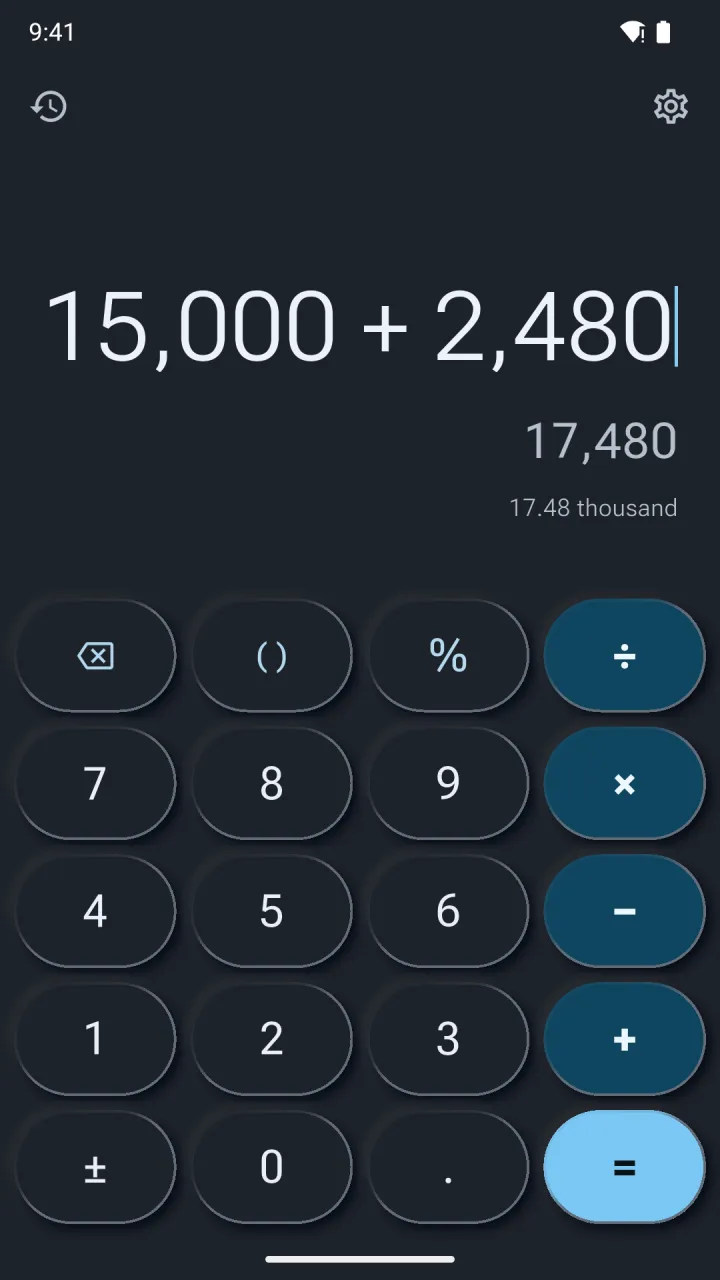
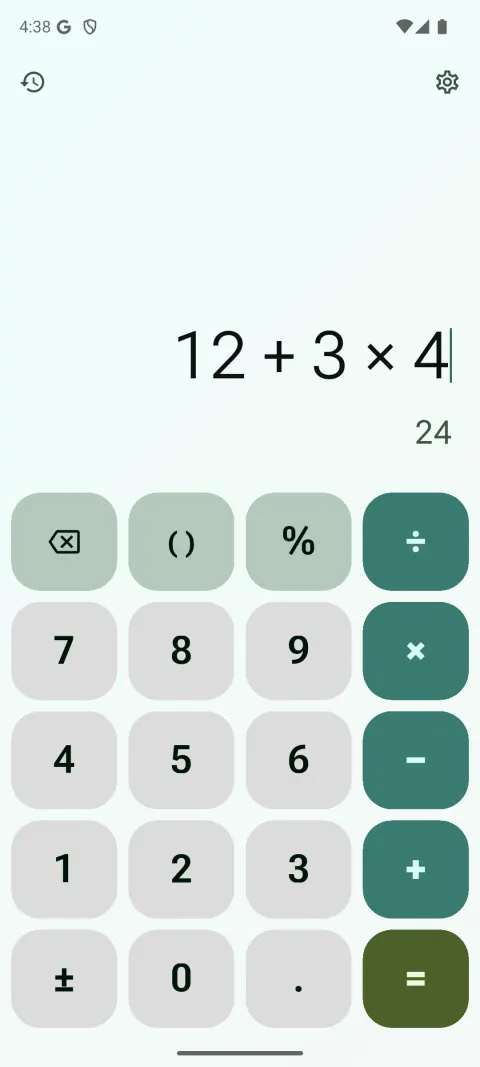
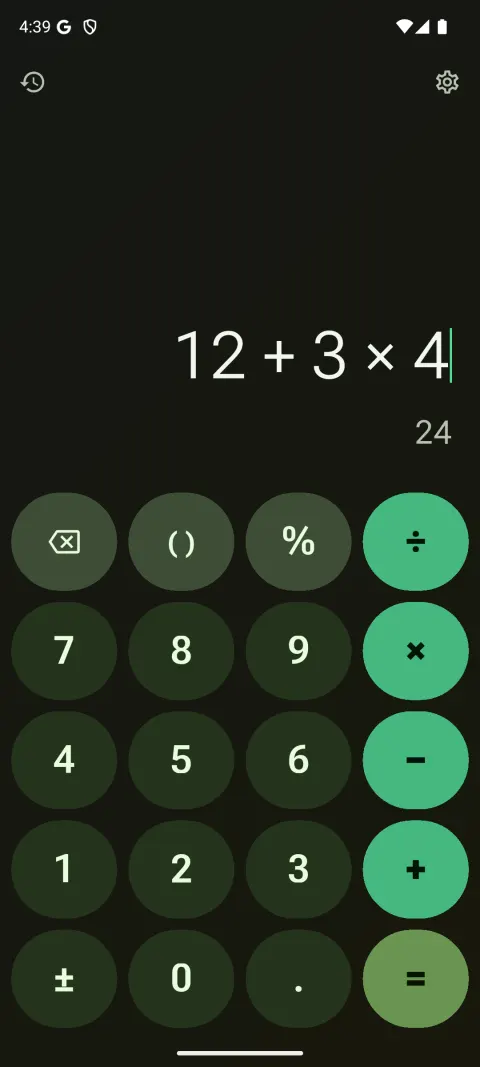
Material 3 Expressive
Tonal colour and bold type. Keys are circles, pills and squircles, with cookie and clover operators that morph as you press.
- Press
- Corners squeeze, the key springs back
- Sound
- Soft tap
-
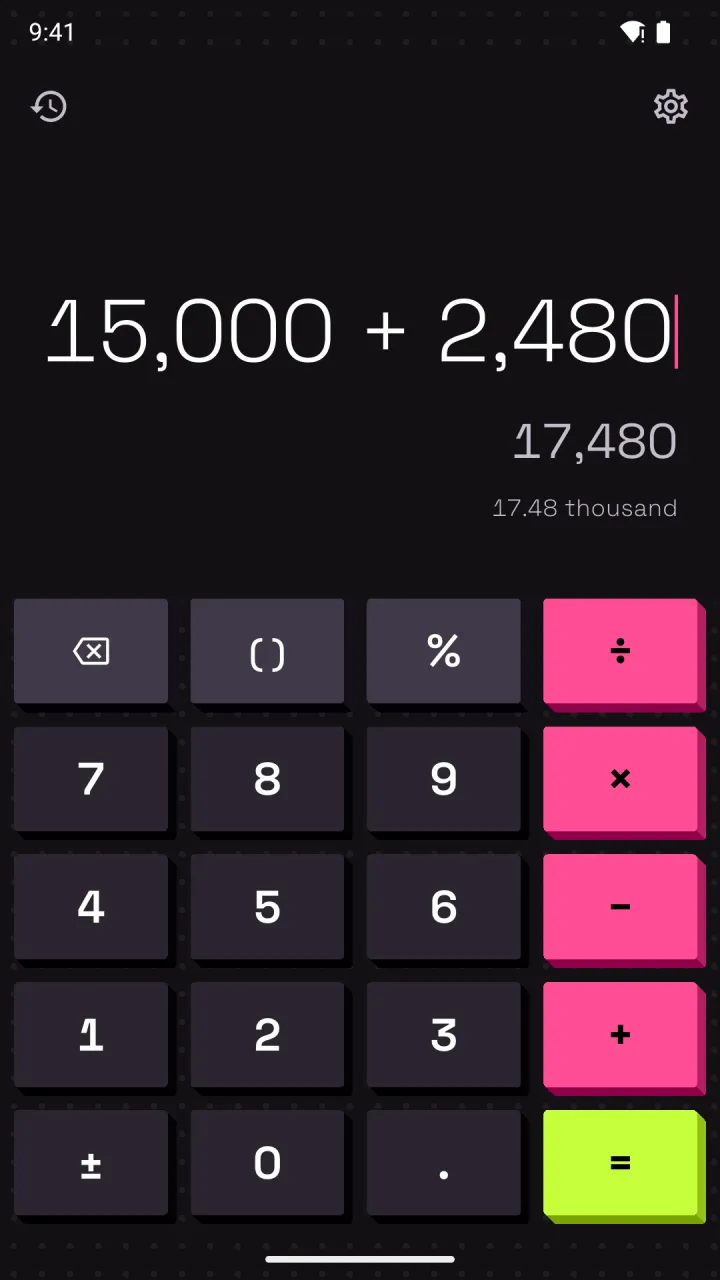
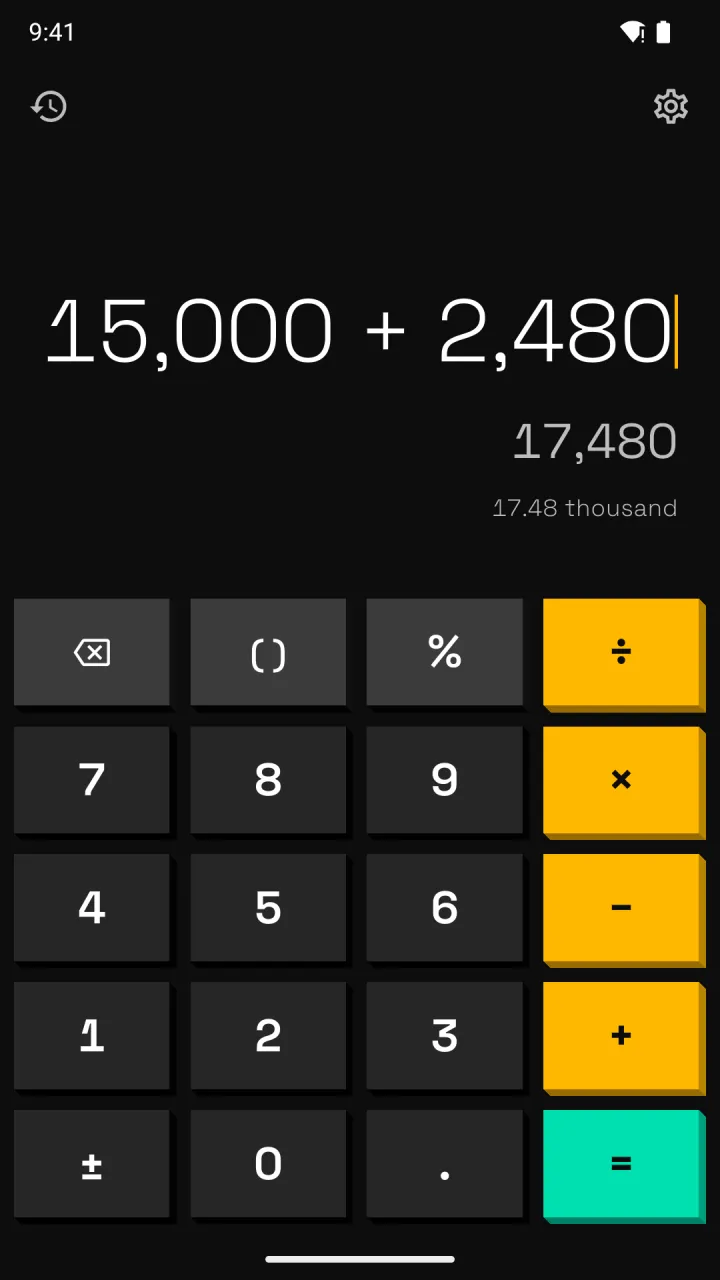
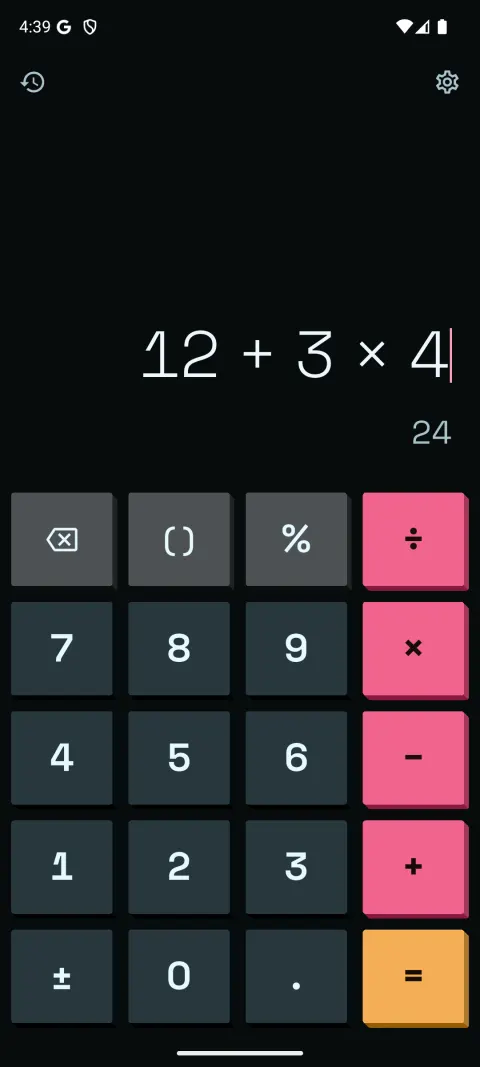
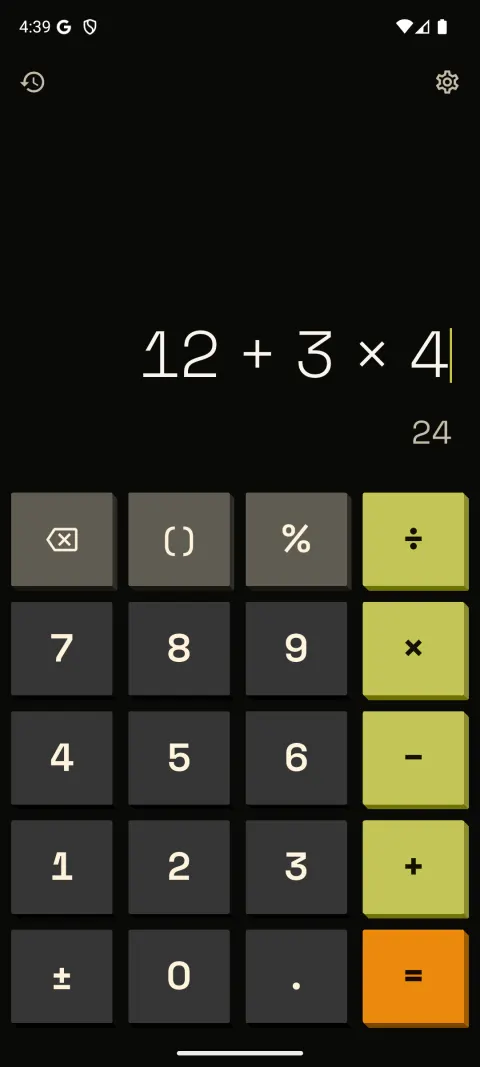
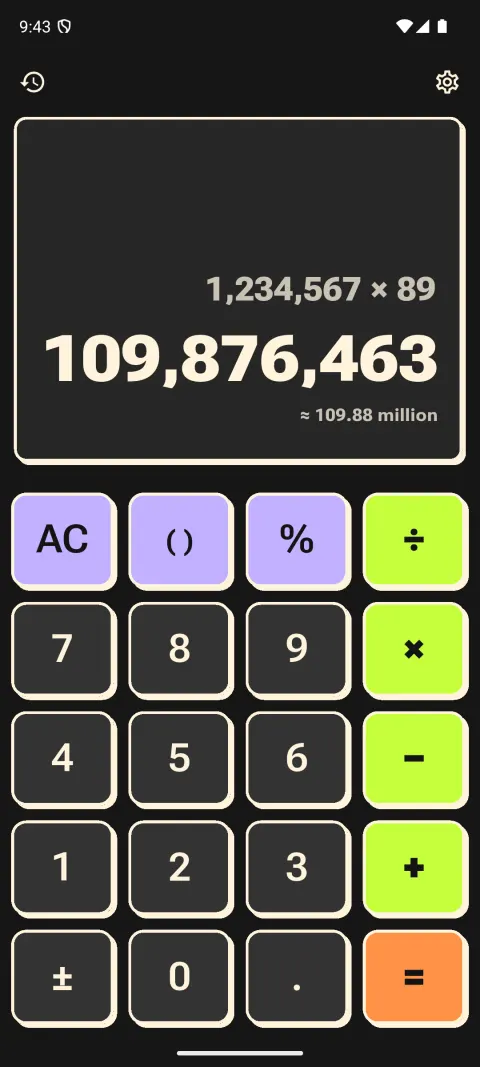
NeoPOP
A dark base, flat saturated colour and hard extruded edges. Keys physically drop into the case when you press them.
- Press
- Moves down 3–5 dp, no tint
- Sound
- Pop
-
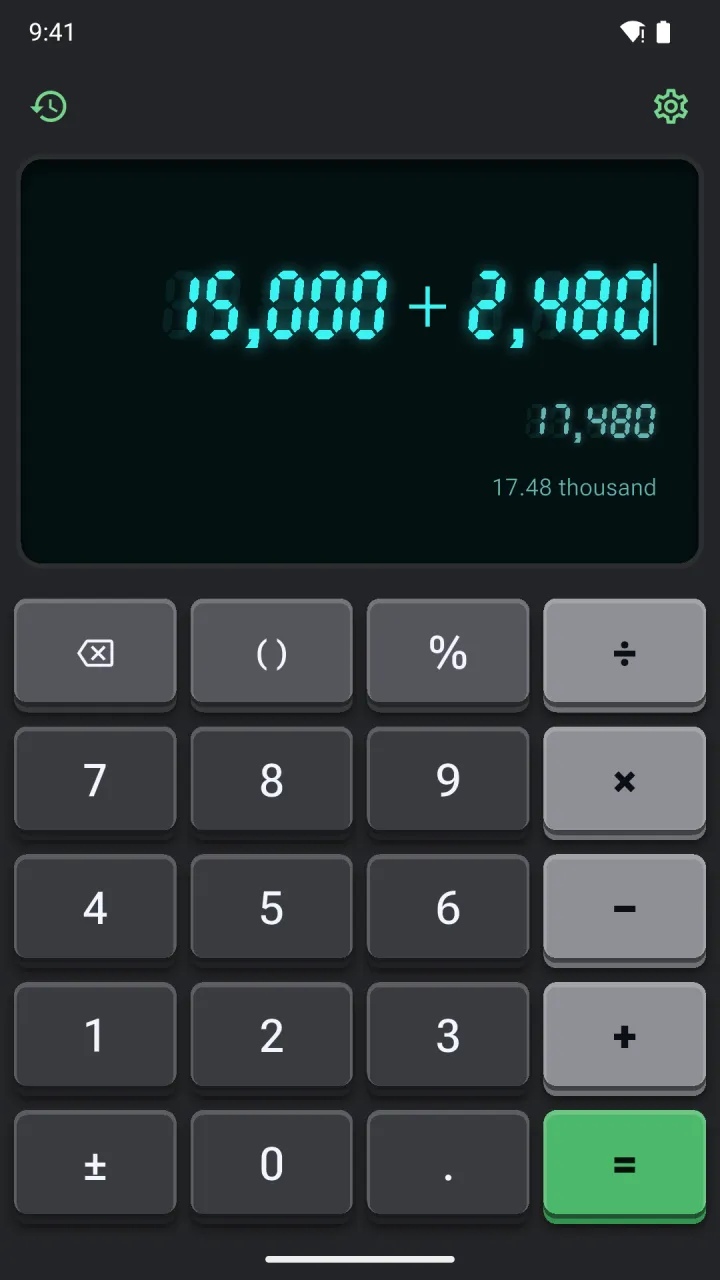
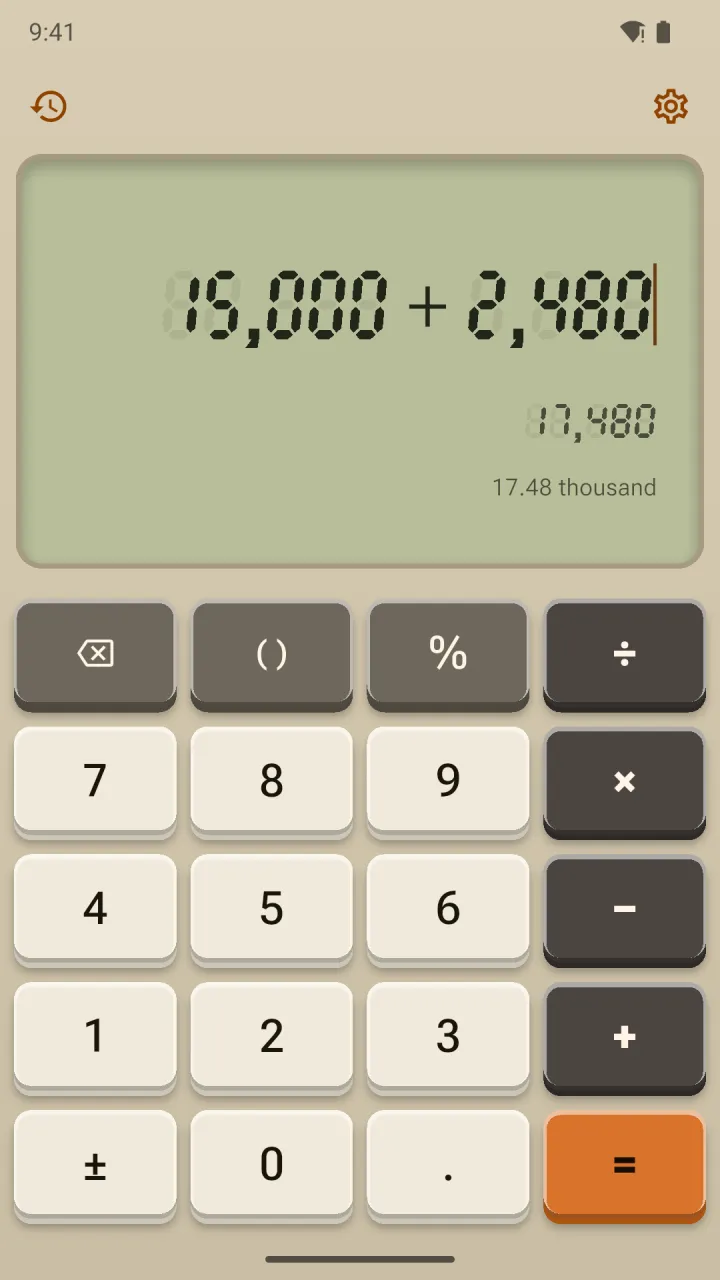
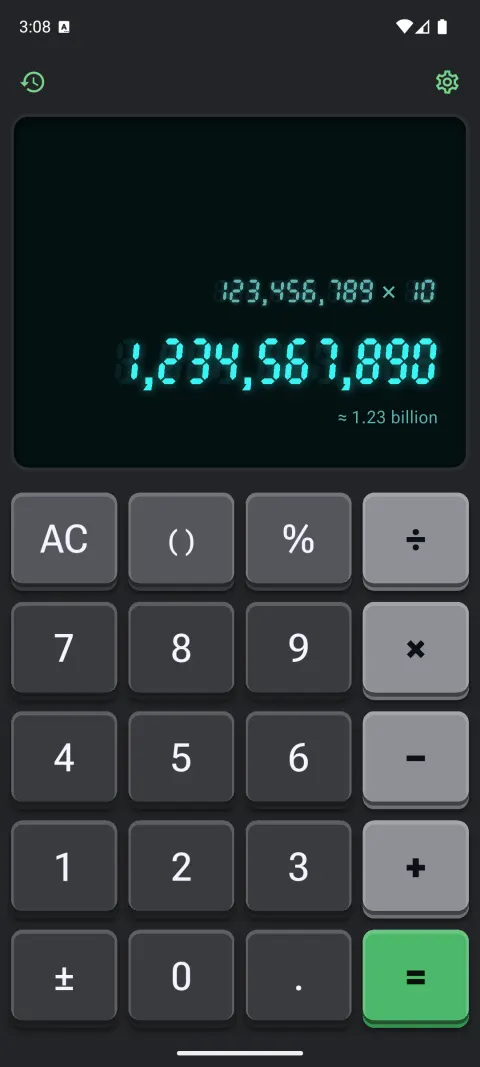
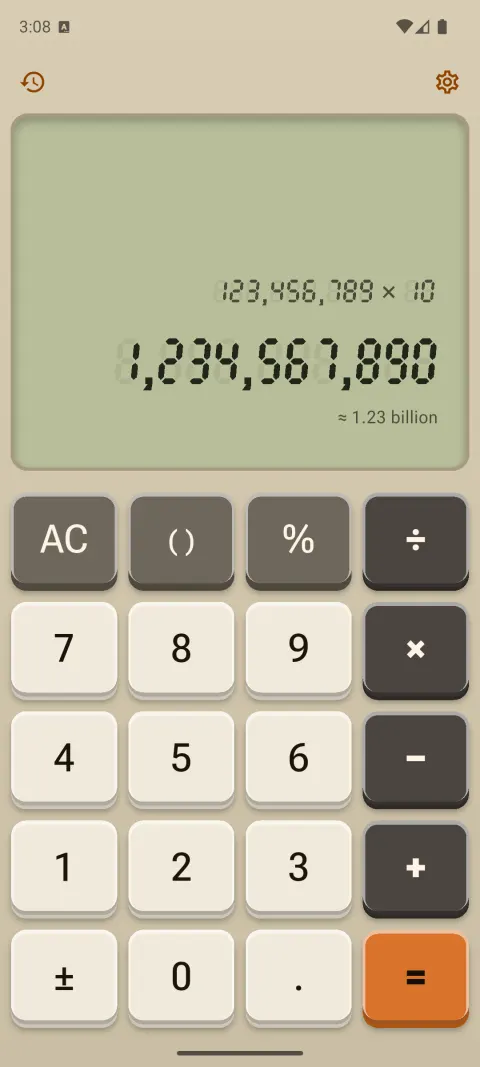
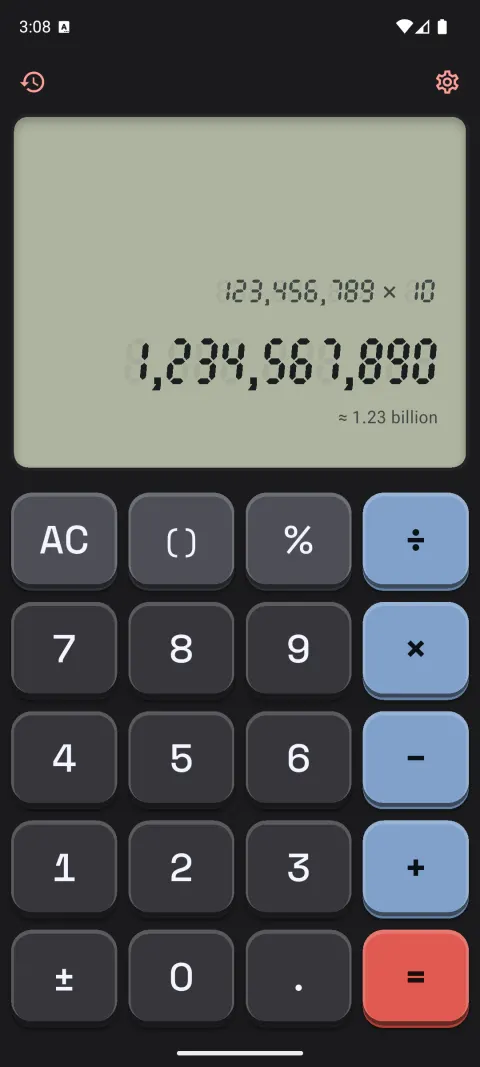
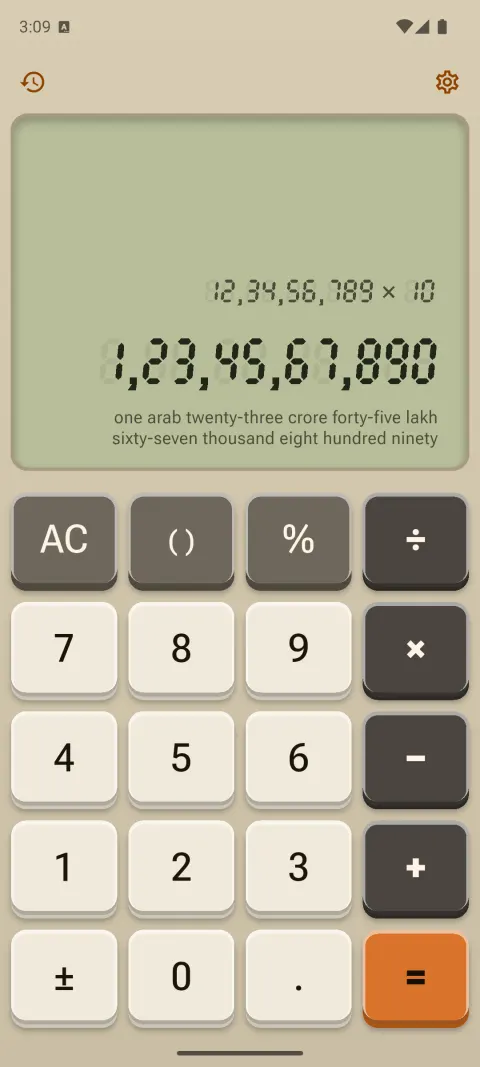
Retro hardware
Beige desk and black pocket calculators with real keycap travel, and a seven-segment display: a classic LCD, or a vacuum-fluorescent tube that glows.
- Press
- Bevels flip, a mechanical tick on release
- Sound
- Retro beep or mechanical clicky
-
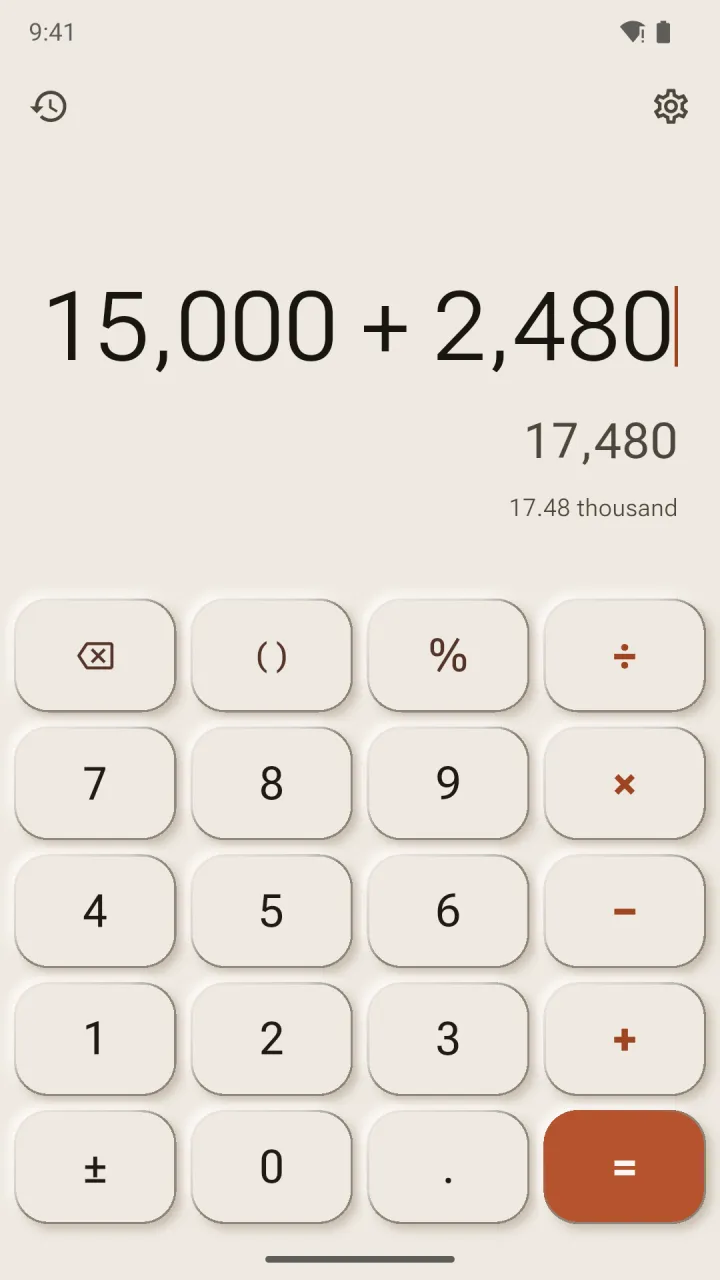
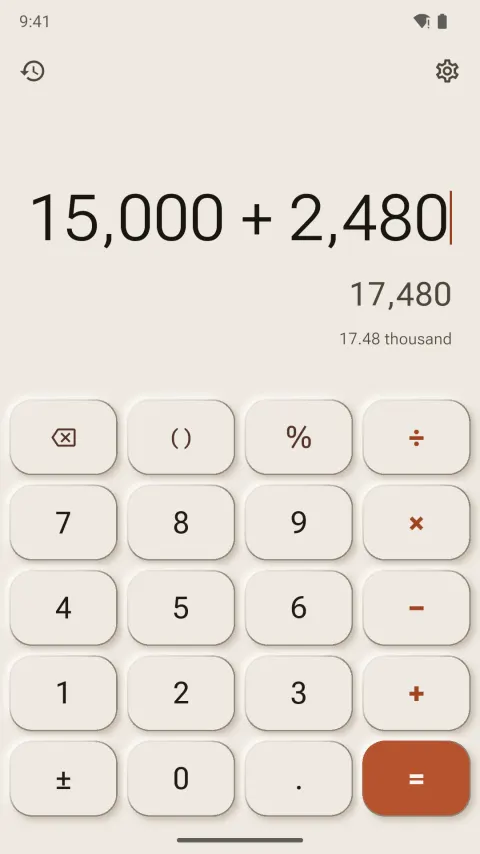
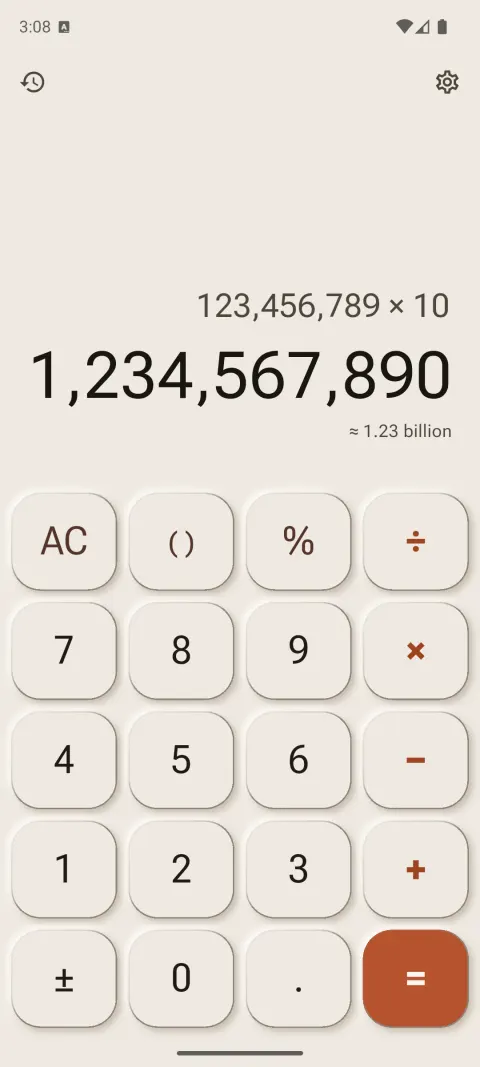
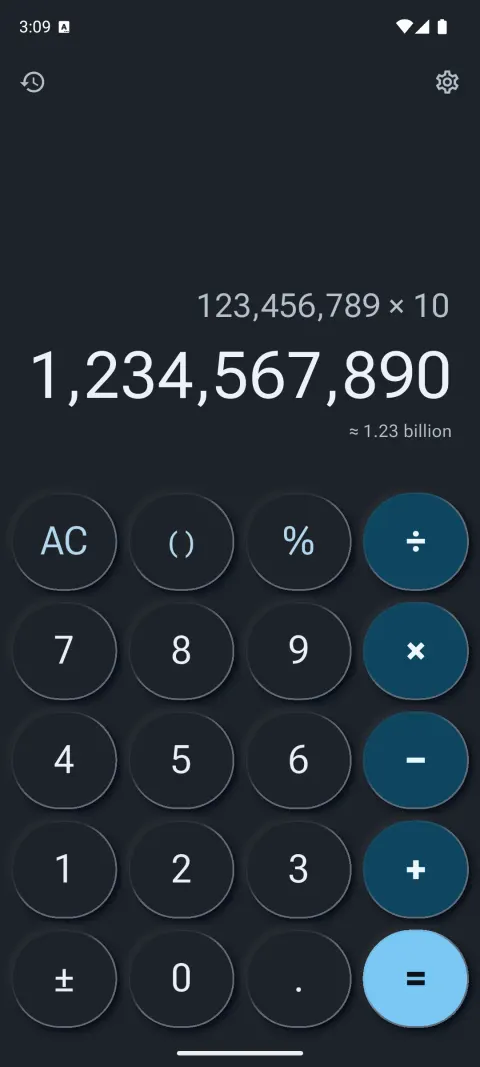
Neumorphism
Soft, sculpted keys pressed out of one surface, tuned to pass the contrast checks that classic neumorphism fails.
- Press
- The shadow flips inward
- Sound
- Tick
-
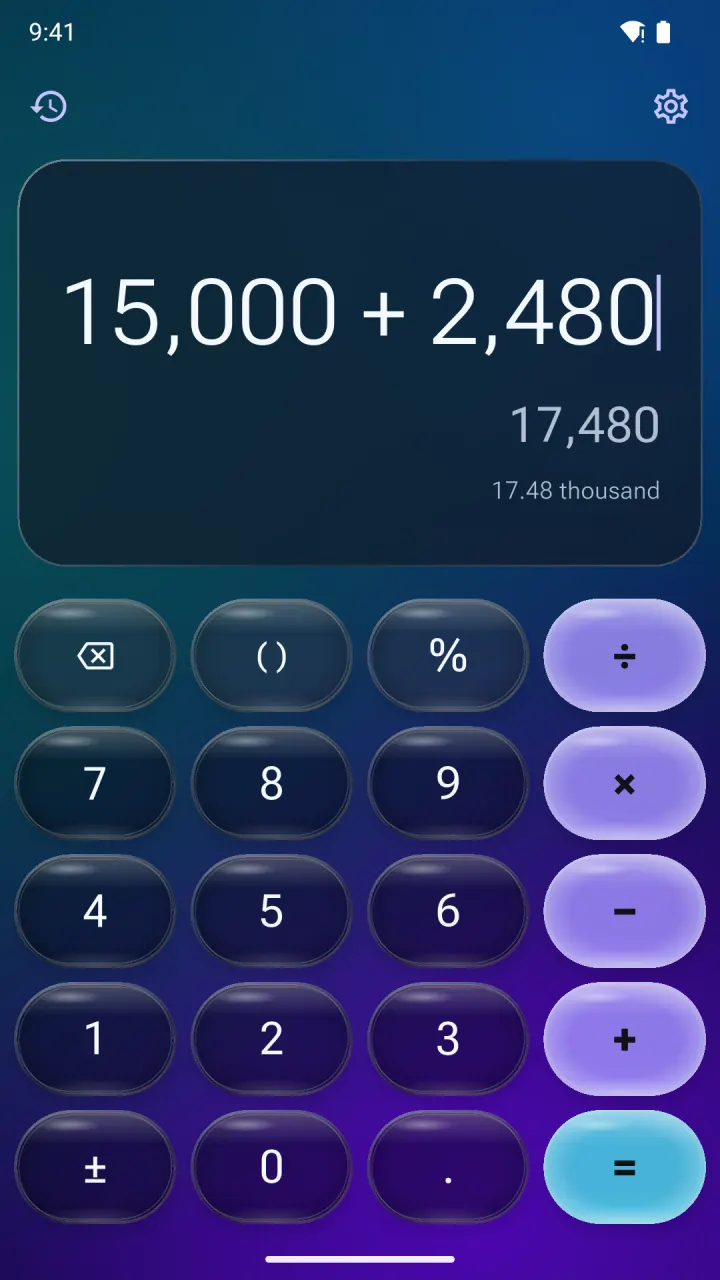
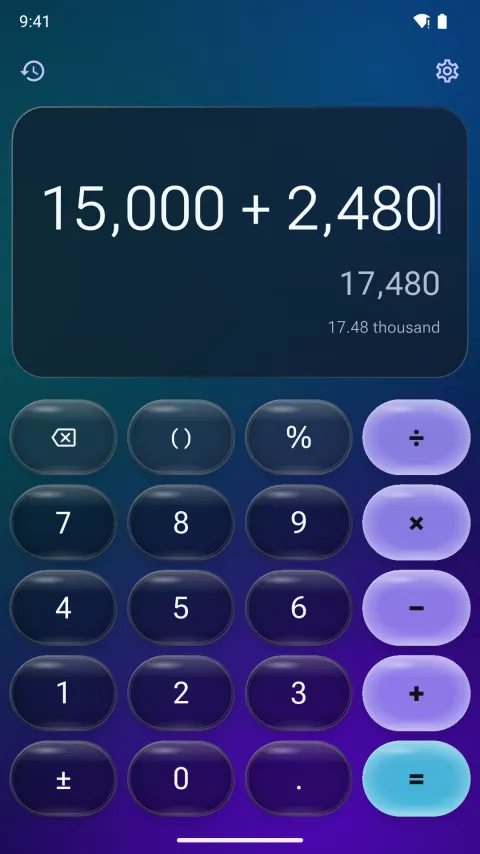
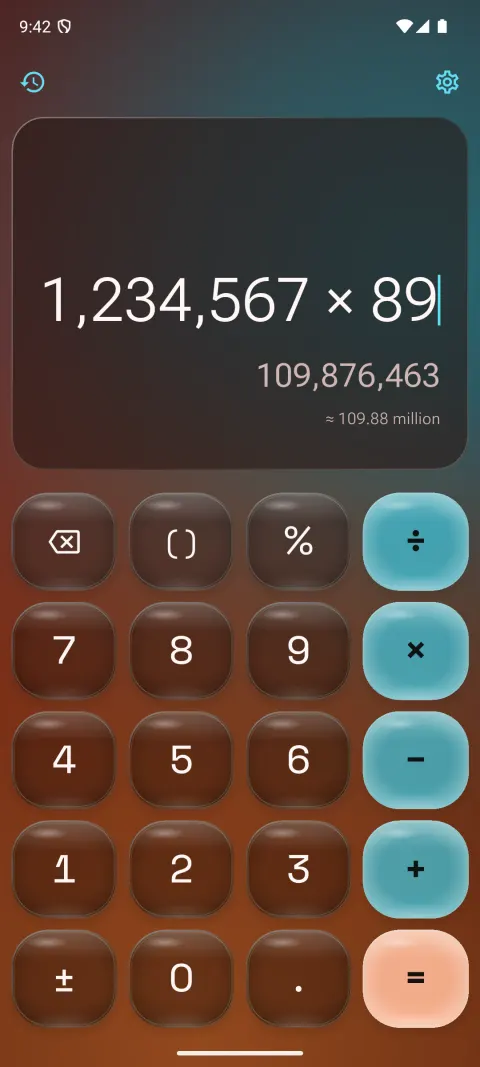
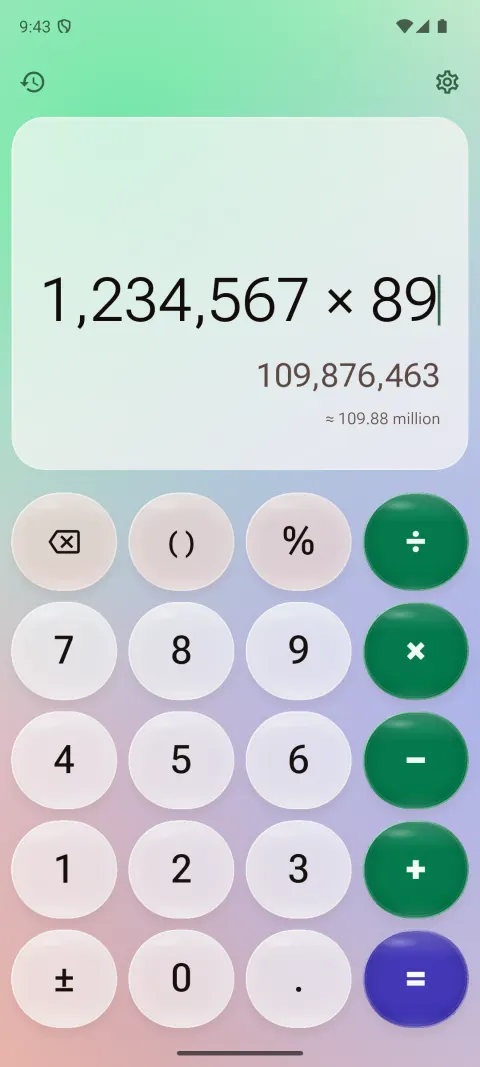
Liquid Glass
Translucent keys float over a slowly drifting colour mesh, each with a specular highlight and a light-catching rim. Dark smoky glass or milky light glass.
- Press
- The key inflates and glows, then wobbles back like jelly
- Sound
- Glass
-
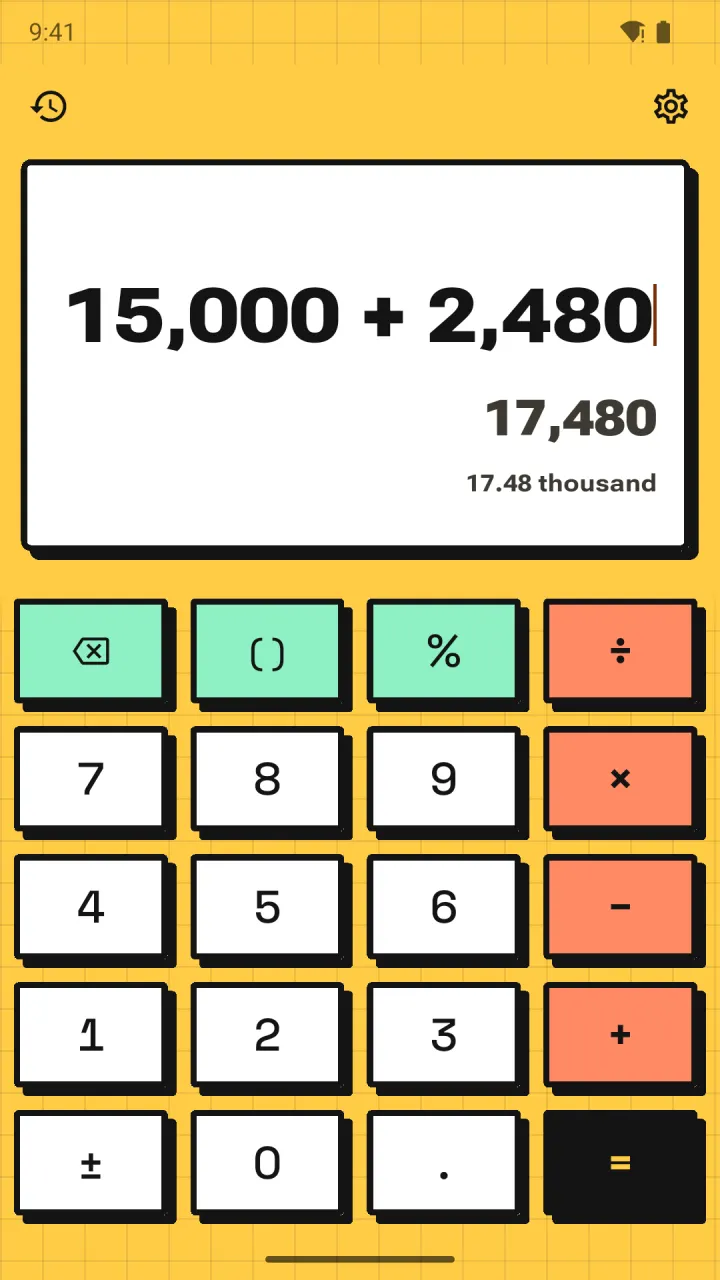
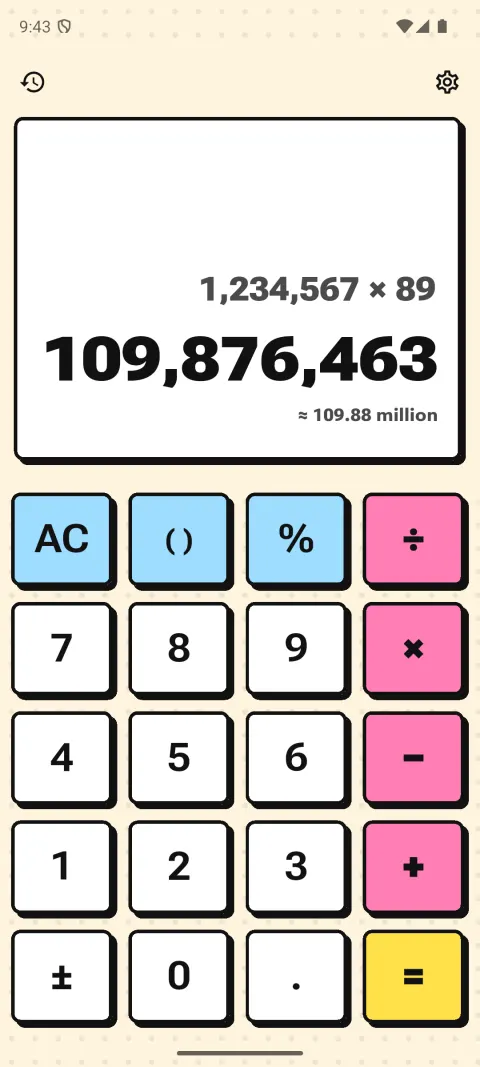
Neo-brutalism
Flat paper or bold poster colours, thick ink outlines and hard, unblurred shadows. Operators in loud, saturated flat colour.
- Press
- The key slides into its own shadow
- Sound
- Mechanical (linear)
0.1 + 0.2 = 0.3. Exactly.
Most software does sums in binary floating point, which can’t store 0.1 exactly, so stray digits creep in. Calsee keeps every number as an exact fraction and only falls back to 40 significant digits when it has to. Your answer never touches floating point.
It also shows a live result as you type, lets you move the cursor to fix one digit, and handles brackets and percent the way you’d expect.
- 0.1 + 0.2= 0.3Floating point says
0.30000000000000004 - 1.1 × 1.1= 1.21Floating point says
1.2100000000000002 - 0.3 − 0.1= 0.2Floating point says
0.19999999999999998 - 1 ÷ 3 × 3= 1One third stays one third, so it comes back to exactly 1
Big numbers, written out.
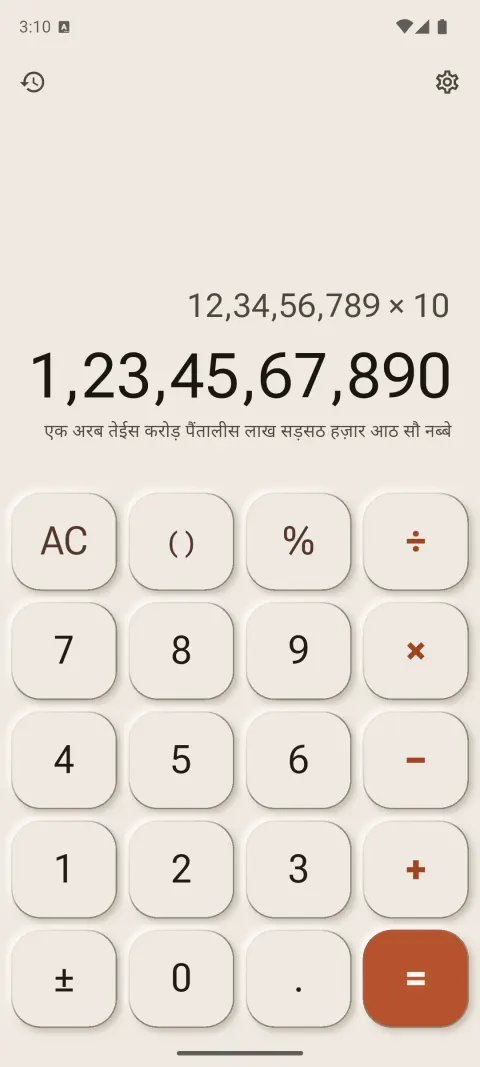
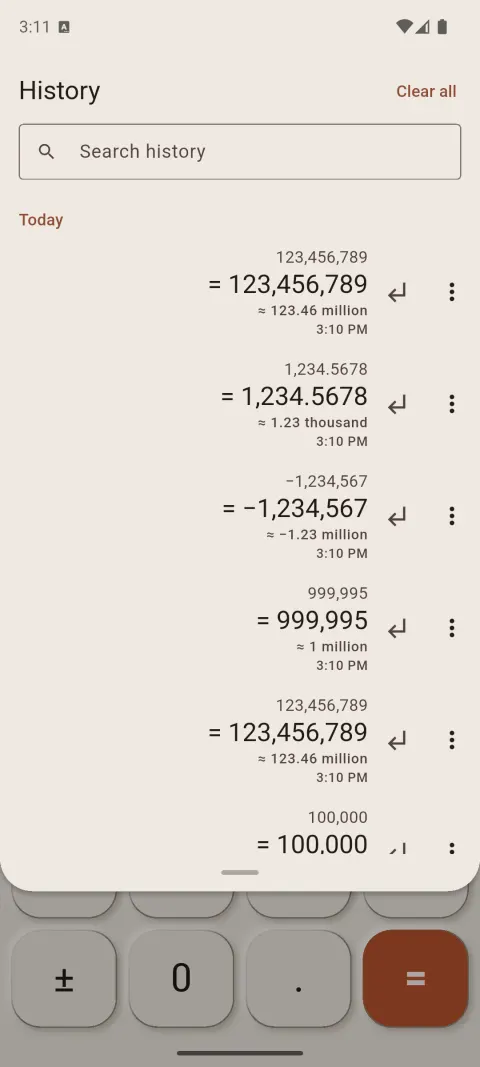
Under every result, Calsee writes the amount in words: “≈ 12.35 crore” at a glance, every word with a tap. Lakh and crore or million and billion, in English or Hindi. Try it.
Up to 21 digits, with an optional minus sign and decimal point. The amount appears below in three ways.
123456789
- Lakh and crore
- 12,34,56,789
- ≈ 12.35 crore
- twelve crore thirty-four lakh fifty-six thousand seven hundred eighty-nine
- Million and billion
- 123,456,789
- ≈ 123.46 million
- one hundred twenty-three million four hundred fifty-six thousand seven hundred eighty-nine
- हिन्दी
- 12,34,56,789
- ≈ 12.35 करोड़
- बारह करोड़ चौंतीस लाख छप्पन हज़ार सात सौ नवासी
- “≈” means the words are rounded. No “≈”, no rounding.
- Tap the line to switch between short and full words; long-press to copy it.
- History rows keep the short amount, too.
Every key has a sound.
Eleven sound packs, from mechanical switches to a 90s calculator beep. Each theme brings a matching pack, or you pick one and keep it. Sounds follow your phone’s silent switch, and the haptics change with the theme too.
Packs: soft tap, mechanical linear, tactile and clicky, typewriter, retro beep, pop, wood, chiptune, glass and tick.
These are the app’s own sound files. Turn your volume up.
And everything a good calculator needs.
- History you control
- Saved on your phone for as long as you choose, searchable, one tap to reuse. Or don’t save it at all.
- Number formats
- Indian lakh and crore grouping, or international commas.
- One-handed mode
- Moves the keypad toward one thumb on wide phones.
- Reduce motion
- Themes fade instead of moving.
- Haptics
- A light tick on every key, tuned to each theme family. Off with one switch.
- Keyboard on desktop
- Type sums on a real keyboard; ] and [ change the theme.
Nothing you type leaves your phone.
- No accountOpen it and start calculating.
- No ads, analytics or trackingNo crash reporting or advertising ID either.
- Works offlineCalsee makes no network requests. On Android it doesn’t even ask for internet access.
- Your history stays yoursKept only on your device. Clear it any time; uninstalling removes everything.
This website follows the same rule: no cookies, no analytics, nothing loaded from anyone else.
Calsee is almost here.
Coming first to Android phones, iPhone and iPad. Versions for macOS, Windows and Linux are in the works.